A Beginner’s Guide to Smart Solar Flood Lights Powered by Tuya Platform
- अक्टूबर 16, 2026
Smart solar flood lights are easier to specify when a buyer treats them as a lighting system rather than as a lamp with an app added later. The solar panel, battery, LED fixture, controller, sensors, network path, and management interface must work together for the intended site. For example, an outdoor solar flood light over a warehouse yard or car park still has to survive weather, charge on short winter days, and switch on reliably at dusk — the app alone cannot do that.
For a first project, the practical question is not simply whether a flood light is “smart.” It is whether the chosen system can provide the lighting output, control method, operating schedule, and maintenance visibility that the site requires.
हमारा Tuya Solar Flood Lights are positioned for this kind of project discussion, while the final configuration still depends on the application and site conditions.

What makes a solar flood light smart?
A conventional solar flood light stores energy during the day and powers the LED fixture after dark. A smart solar flood light adds a management layer around that basic energy cycle. Depending on the selected product and project configuration, the management layer may allow an operator to view status, change settings, schedule operation, or receive an alert.
Werise describes AI and IoT solar lighting with remote monitoring, intelligent scheduling, and fault warning. It also describes Web and mobile APP access for functions such as brightness, color-temperature, on/off, and selected equipment control. These statements describe supported system capabilities; they are not a promise that every model or every project includes every function by default.
Tuya is therefore best understood as the control platform used in a configured lighting solution. It does not replace the solar panel, battery, LED fixture, or mounting hardware. It adds the interface through which those parts are controlled and monitored.
Which project inputs should be defined first?
A reliable specification starts with the site, not the catalog. Record the area that needs illumination, the use of the site at night, and the conditions that affect performance.
For each location, collect:
- The application, such as a yard, parking area, warehouse perimeter, park, access road, or industrial site.
- The target lighting area and the locations where fixtures can be mounted.
- The desired operating schedule, including full-brightness periods and any dimming periods.
- Solar exposure, shading, local weather, and the position of the panel.
- The required control method, such as local control, Web access, mobile APP access, or scheduled operation.
- The people who need access to the system and the actions each person should be allowed to perform.
- Any need for status monitoring, fault alerts, GPS identification, or remote firmware updates.
- The installation method, cable constraints, wall or pole conditions, and maintenance access.
These inputs help separate a genuine smart-lighting requirement from a request for a basic solar flood light.
How does Tuya solar flood light control fit into the lighting system?
In a configured Tuya solar flood-light system, the controller connects the lighting hardware with the user’s management interface. The interface may be a Web dashboard, a mobile APP, or both.
The Tuya smart lighting category includes other networked products, so the selected product should be tied to the exact product record, model number, and control scope.
For a commercial or industrial site, the value of the management layer is visibility and repeatable control. That value depends on stable connectivity. Those requirements need to be defined in the project plan.

What should buyers verify about the product itself?
The control platform is only one part of the decision. Confirm the fixture, solar module, battery, control function, expected operating pattern, and installation requirements.
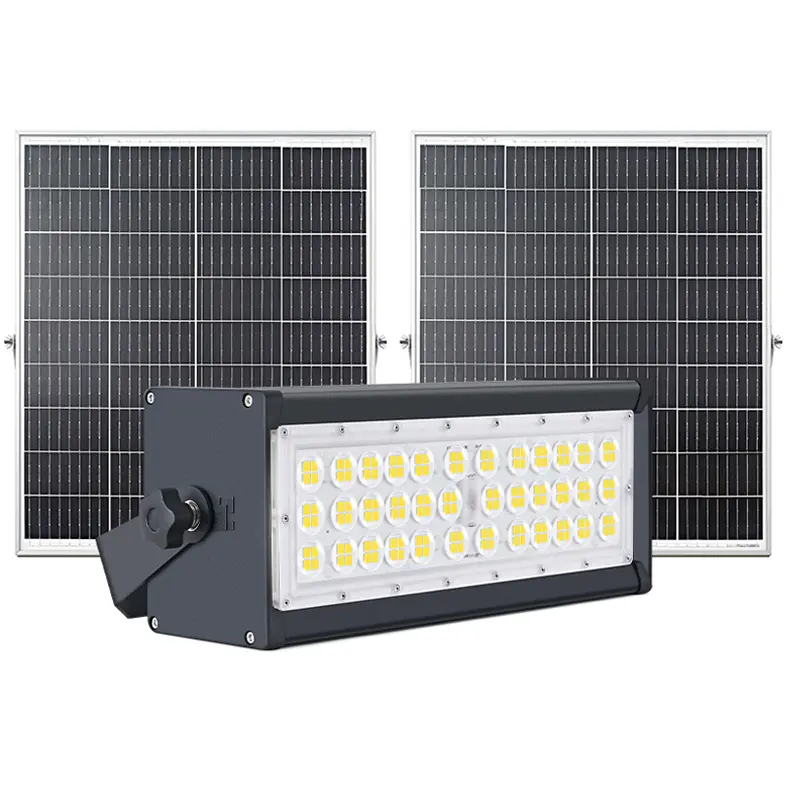
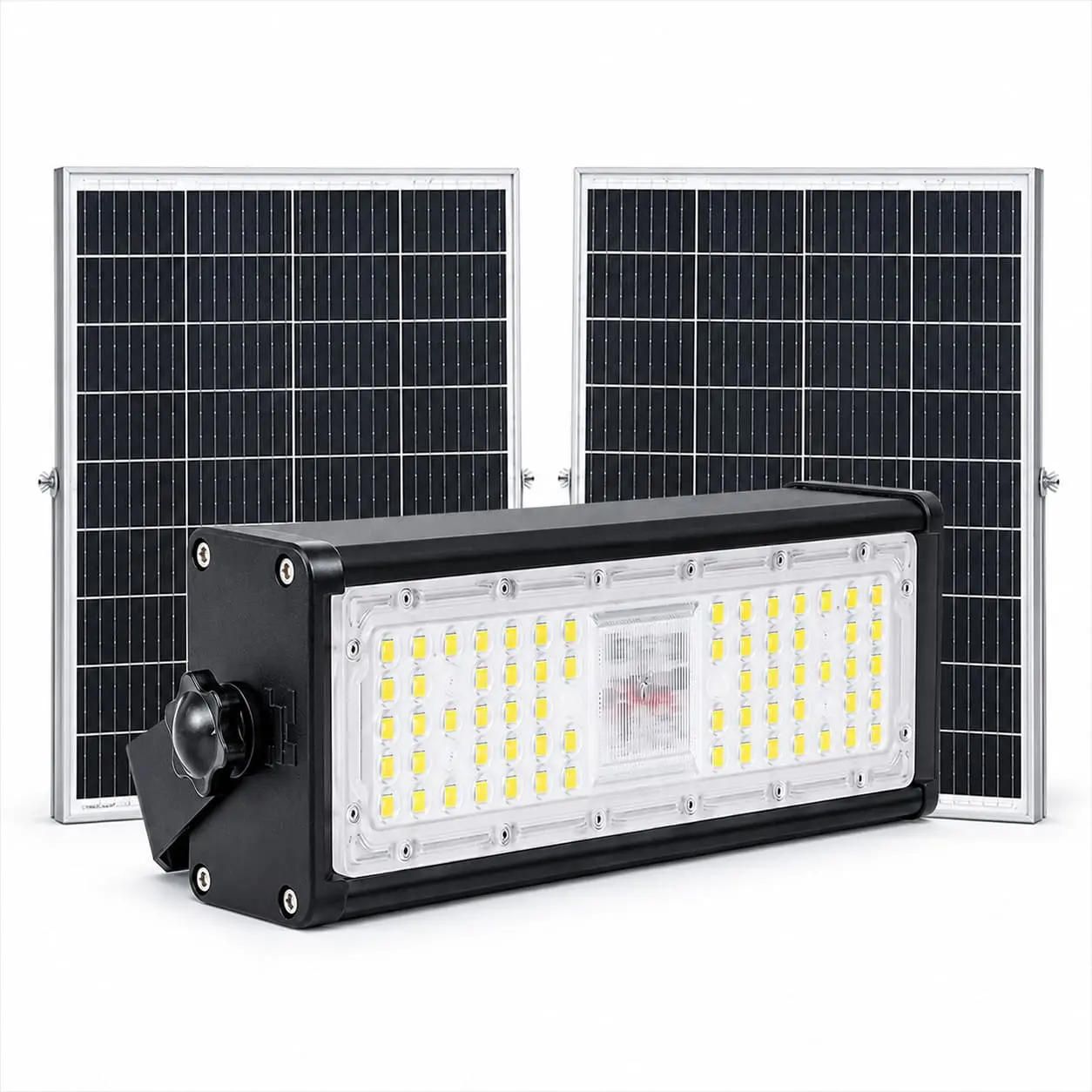
The Werise product 100W तुया स्मार्ट सोलर फ्लड लाइट HC-WT3-A100W is a useful check for the standard information that should be visible on a product page.
A related example is the 100W Tuya Smart Solar Flood Light HC-WT3-A100W. The product page lists a 100W lamp, a mono-crystalline solar cell, a LiFePO4 battery, Tuya PC/APP control, adjustable brightness, adjustable color temperature, and pole or wall mounting.
Verified on the product page for the HC-WT3-A100W (100W): Tuya app control provides remote on/off, adjustable brightness, adjustable colour temperature from 3000K to 6000K, and timer/schedule control; the product page also lists 21,000 lm luminous flux, 210 lm/W efficiency, CREE 3030 LED chips, IP65 and a 3-year warranty. Sensor detection range, angle and delay are customizable to project and customer requirements.
Ask for the exact product record that will be quoted. Check that the following items match the project requirements:
- The model number and intended application.
- Solar panel and battery configuration.
- Controller and supported control functions.
- Mounting method and mounting height.
- Operating temperature and enclosure requirements.
- Beam distribution and target coverage.
- Available communication and user-management options.
- Required documents, samples, and acceptance criteria.
If a requested function is important, write it into the quotation or technical confirmation rather than relying on a generic page statement.
How should a first Tuya solar flood-light project be evaluated?
A simple evaluation sequence reduces avoidable changes later.
First, describe the lighting task in plain language. For example, a buyer may need scheduled lighting for a yard, or scheduled lighting with a sensor for an access area.
Second, define the operating pattern. State when the lights should run, which periods need full brightness, and which periods can be dimmed.
Third, confirm the energy and installation conditions. The panel position, available sunlight, battery capacity, cable route, and wall or pole constraints affect the quoted model.
Fourth, select the control scope. Decide whether the project needs one-light control, group control, scheduled operation, or status monitoring.
Fifth, test the proposed configuration before the full order. Use a sample, demonstration, or documented test to check output, control behavior, and the information that the management interface displays.
Finally, define handoff data. The supplier and buyer should agree on model lists, device names, user permissions, and the process for handling faults, changes, and replacements after installation.
Which claims require extra project confirmation?
Smart-lighting language can sound broader than the evidence behind it. Treat several claims as project-confirmation items:
- “Remote monitoring” should identify what status is visible and through which interface.
- “Fault warning” should identify the event types, notification method, and applicable product or products.
- “Tuya control” should identify the supported controller, account setup, network route, and functions that continue when the network is unavailable.
- “Camera integration” or other external-device integration should be treated as a scalable project scope, not as a standard function.
- Numeric performance, certification, warranty, lead-time, and environmental claims should be tied to a named model and supplied documents.
This discipline protects the buyer from selecting a system based on a broad marketing phrase that does not describe the quoted configuration.

When is a smart solar flood light a good fit?
A Tuya-powered solar flood light is a reasonable candidate when the project needs independent solar power and also benefits from repeatable control. The control value comes from the management layer. A basic solar flood light may be enough when the site is small, the schedule is fixed, local access is simple, and status monitoring is not a priority. A Tuya-powered solar flood light is also a good candidate for sites with network constraints, provided that they are considered in the project plan.
What should be included in the supplier handoff?
Before requesting a final quotation, prepare a short project pack containing the site location, application, mounting conditions, operating schedule, required control scope, and expected operating environment.
We can use that information to review the control architecture, identify which functions need product confirmation, and provide a project-specific quotation.
Related reading: for motion sensors, dimming and energy saving, see How Motion Sensor Lights Save Energy.
Tuya Solar Flood Light FAQs
How do I pair a Tuya solar flood light with the app?
Add the light in the Tuya app as a new device, put it in pairing mode as the quoted model’s instructions say, and connect it to your account and network. Once paired, the HC-WT3-A100W page confirms Tuya app remote on/off, brightness, 3000K-6000K colour temperature and timer control. The HC-WT3-A100W connects to Tuya via 4G with a built-in chip. Confirm before ordering — the HC-WT3-A100W product page does not give pairing steps. Before ordering, ask for: the pairing procedure and the conditions that close the pairing window, the account setup, and the network route. Once paired, the product page states that Tuya control provides remote on/off, brightness, colour temperature and timer control through the Tuya app.
Does the light still work if the network is down?
No: app remote control needs the network, so it will not work while the network is down. Typically, as a guide, a solar light may still switch on locally on its stored schedule or at dusk, but the page does not state which functions, if any, continue locally for this model. Confirm before ordering — the product page does not state which functions continue locally without a network. Ask which sensor behaviour, if any, continues locally if the network or app is unavailable.
How far away can I control the light from the app?
There is no fixed remote-control distance: Tuya app control works through the network, so you can control the light from the app wherever you have network and app access, not within a stated local range. The product page does not state a remote-control range. Confirm before ordering the light’s behaviour for the exact model if you need offline or local control.